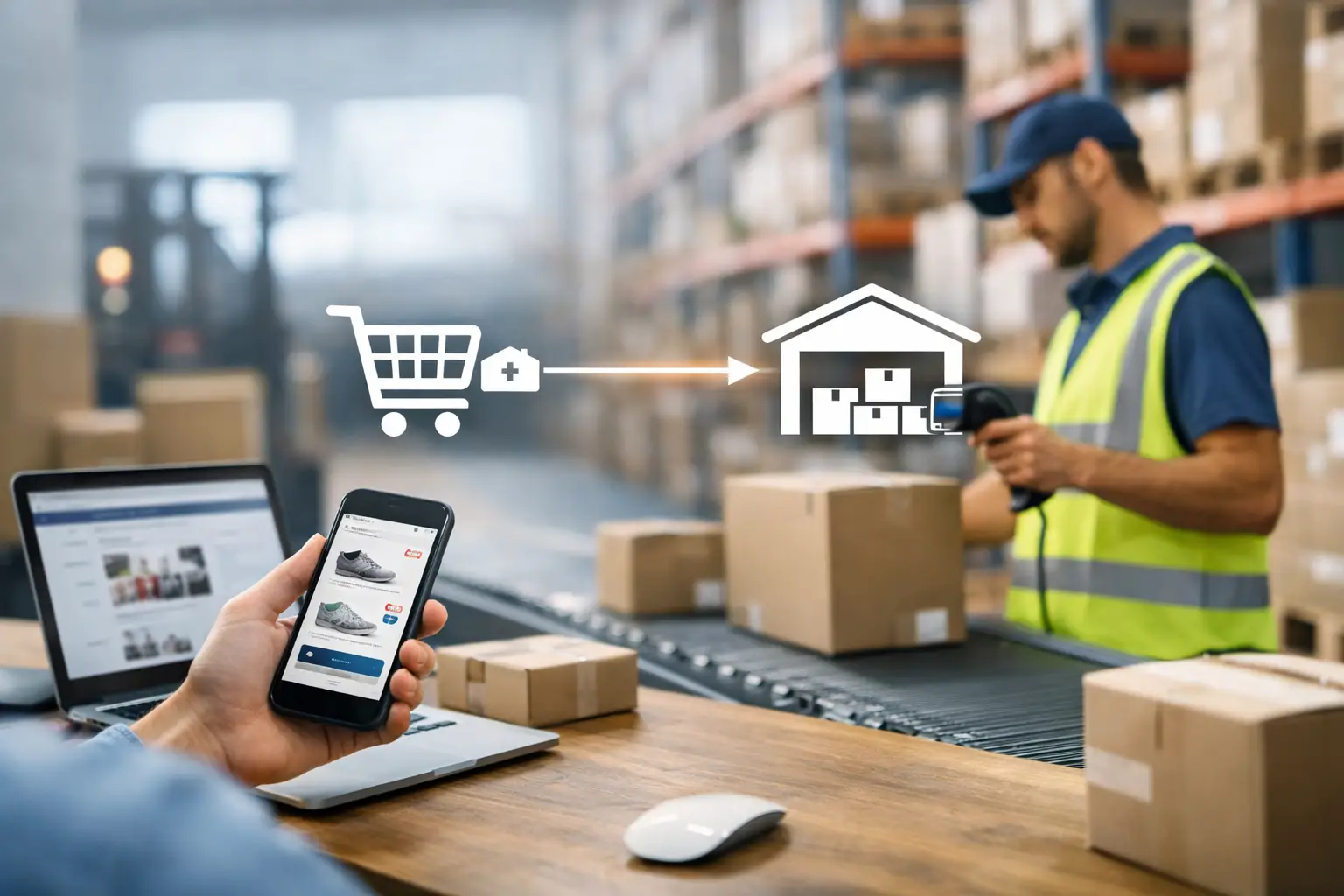
A customer sees "in stock," places an order, and expects a dispatch notification shortly after. That simple moment depends on ecommerce app warehouse integration working correctly, accurate inventory synchronization and ERP integration moving data between the storefront, warehouse, and delivery partners in real time. When it fails, the result is overselling, delayed order fulfillment, and a support ticket instead of a dispatch email. Here's what makes warehouse and retail order management reliable at scale.
A customer sees “in stock,” places an order, and expects a dispatch notification shortly after. Behind that simple moment, ecommerce app warehouse integration must move accurate data between the storefront, mobile app, warehouse management system, ERP, and delivery partners. Just like large-scale ecommerce operation. When one part falls behind, the customer experience suffers quickly: canceled orders, delayed shipments, unavailable products still being promoted, and support teams left to explain what happened.
For retailers with growing catalogs, multiple locations, or high order volumes, warehouse integration is not a background technical task. It is a core operational decision that affects revenue, customer trust, fulfillment costs, and the ability to launch new sales channels without creating more manual work.
What ecommerce app warehouse integration should accomplish
The purpose of an integration is not simply to make two systems exchange data. It is to establish a dependable data flow and clear rules for which system owns each piece of information.
In most retail environments, the warehouse or ERP is the source of truth for stock availability, picking status, shipment confirmation, and returns. The ecommerce app and website need that information quickly enough to make reliable promises to customers. In the other direction, new orders, cancellations, address updates, and payment status must reach warehouse operations without someone copying details from one screen to another.
A well-planned setup usually handles four connected processes: stock synchronization, order creation, fulfillment updates, and returns. Each process needs its own business rules. For example, available inventory is not always the same as physical inventory. A retailer may need to subtract stock reserved for open orders, safety stock held back for stores, damaged items, or quantities allocated to wholesale customers.
That distinction is where many integrations fail. A connection can be technically active while still producing inaccurate results because the underlying rules were never agreed upon.
Start with the real order and inventory flow
Before selecting middleware, APIs, or a new warehouse management system, map what actually happens from checkout to delivery. This should include exceptions, not just the ideal path.
Ask practical questions. Does an order go to the nearest warehouse, a central distribution center, or a store? Can one order be split across locations? What happens when a picker finds less stock than the system expected? Are promotional bundles stored as separate components in the warehouse but sold as one product in the app? How are cash-on-delivery orders handled?
The answers determine the integration design. A fashion retailer with seasonal peaks may need real-time stock updates for limited sizes. A business selling large or made-to-order products may be able to work with less frequent updates but need precise production and delivery estimates. Pharmacy and regulated retail operations can require additional controls around batch numbers, expiration dates, or restricted products.
This discovery work also reveals manual steps that have become invisible over time. A spreadsheet used to adjust stock every morning might be compensating for a gap between the ERP and storefront. Removing that spreadsheet without replacing its logic can create more problems, not fewer.
Define ownership before data starts moving
For every key data field, assign a system of record. Product descriptions and campaign images may come from a PIM or CMS. Prices may come from an ERP or a dedicated pricing service. Inventory may be owned by the warehouse system. Customer profiles may belong in a CRM. Thats why loyalty app CRM integration is so useful.
Without ownership rules, teams often overwrite one another’s data. A warehouse update can accidentally replace a customer-facing product title, or a storefront promotion can send an incorrect price back into a financial system. Clear boundaries make integrations easier to test, support, and extend.
Choose real-time updates where they matter most
Not every synchronization needs to happen instantly. Trying to update every field in real time can add cost and complexity without improving operations. The better approach is to prioritize data based on customer impact and operational risk.
Stock levels for fast-selling products, new orders, payment approvals, cancellations, and shipment tracking generally need near-real-time communication. These events influence whether an item can be sold, picked, or delivered. Product content, historical reports, and some catalog updates can often be synchronized on a schedule.
The right timing also depends on how the warehouse system performs under load. During a major promotion, thousands of requests from a mobile app should not slow down picking operations. A reliable architecture may use event queues, caching, and controlled retry logic so temporary delays do not turn into lost orders.
This is especially relevant for retailers running both an app and a website. They must draw from the same available inventory position. If the channels operate with separate stock snapshots, the business can oversell even when each channel appears accurate on its own.
Build for failures, not just successful requests
Warehouse systems, carrier APIs, payment providers, and ecommerce platforms will occasionally be unavailable. Network timeouts happen. A warehouse may send a duplicated update. An order status can arrive out of sequence. Good integration design expects these situations.
For example, if an order is sent to the warehouse but the confirmation response is interrupted, the ecommerce system should not blindly create the order again. It needs idempotency rules that recognize the same order request and prevent duplicate fulfillment. If a shipment status cannot be delivered to the app immediately, the system should queue it, retry safely, and alert the right team if the problem persists.
Monitoring is part of the product, not an optional add-on after launch. Operations teams should be able to see whether orders are waiting, stock synchronization is delayed, or a particular warehouse location is failing to respond. Technical logs matter to developers, but business-friendly dashboards and alerts matter to the people responsible for daily fulfillment.
Test the cases that cost the most
Basic testing confirms that a new order reaches the warehouse. That is necessary, but it is not enough. The more valuable test plan includes the scenarios that create financial loss or customer dissatisfaction when they fail.
Consider an item with one unit left being purchased from the app and website at nearly the same time. Test a customer changing an address after the warehouse has started processing. Test partial fulfillment, substitutions, canceled payments, split shipments, returns to a store, and a warehouse outage during a peak sale.
Load testing also deserves attention before campaign periods. An integration that works with 30 orders per hour may behave differently with 3,000 orders arriving in a short window. The issue may not be the app itself. A slow ERP query, limited API rate, or poorly designed database process can create a bottleneck across the whole customer journey.
At Cubes, integration projects are approached as ongoing operational systems, not one-time connections. That means validating the data flow with the teams who use it, planning for peak traffic, and keeping the code modular enough to support the next warehouse, carrier, market, or sales channel.
Plan for change from the beginning
Retail operations change frequently. A company may open a new warehouse, introduce click and collect, add a third-party logistics provider, or start selling in another market. If integration logic is buried inside the mobile app or duplicated across multiple systems, each change becomes slower and riskier.
A modular integration layer helps isolate these changes. The ecommerce app can continue using a consistent order and inventory model while connectors manage the differences between individual warehouse systems or carriers. This does require thoughtful design upfront, but it protects the business from expensive rewrites later. Same discipline behind enterprise loyalty program development.
Security and access control belong in this planning as well. Warehouse integrations may expose customer names, addresses, order values, and inventory data. API credentials should be managed carefully, access should be limited by role, and sensitive data should be protected both in transit and at rest. For larger organizations, audit trails are also useful when investigating changes to stock or order status.
Measure business outcomes, not only technical uptime
A system can report excellent uptime while still creating operational friction. Track indicators that show whether the integration improves the business: oversell rate, cancellation rate due to unavailable stock, time from order placement to warehouse release, fulfillment exceptions, return processing time, and customer inquiries about order status.
These measures create a useful feedback loop. If cancellations rise after a new promotion type is introduced, the issue may be inventory reservation logic rather than warehouse capacity. If warehouse release times increase, the order payload may be missing information that staff need to process orders efficiently.
The best ecommerce app warehouse integration gives customers accurate promises and gives internal teams a clearer view of what is happening. Treat it as shared infrastructure between commerce and operations, then maintain it with the same care as the customer-facing app. That approach turns fulfillment from a recurring source of exceptions into a dependable part of growth.
A catalog's real complexity has little to do with how many SKUs it holds. A retailer with 5,000 products and market-specific pricing, compatibility rules, and warehouse-dependent stock can face a harder architecture problem than a competitor running 50,000 simple listings. Here's when headless commerce actually solves that, and when it just adds unnecessary layers.
A growing retailer rarely outgrows its ecommerce platform because it needs a new homepage. The real pressure shows up in wrong stock counts, pricing rules nobody can manage anymore, and checkout that buckles the moment a campaign actually works. Here's when custom e development pays off, and why it's mostly integration work, not a rebuild from scratch.
A polished loyalty app means little if the points a customer earns in-store take hours to appear on their screen. The difference between programs that drive repeat sales and programs that generate support tickets is almost always the CRM integration behind the app: who owns the customer record, how fast systems sync, and what happens when a transaction fails. Here's how that architecture actually works.